
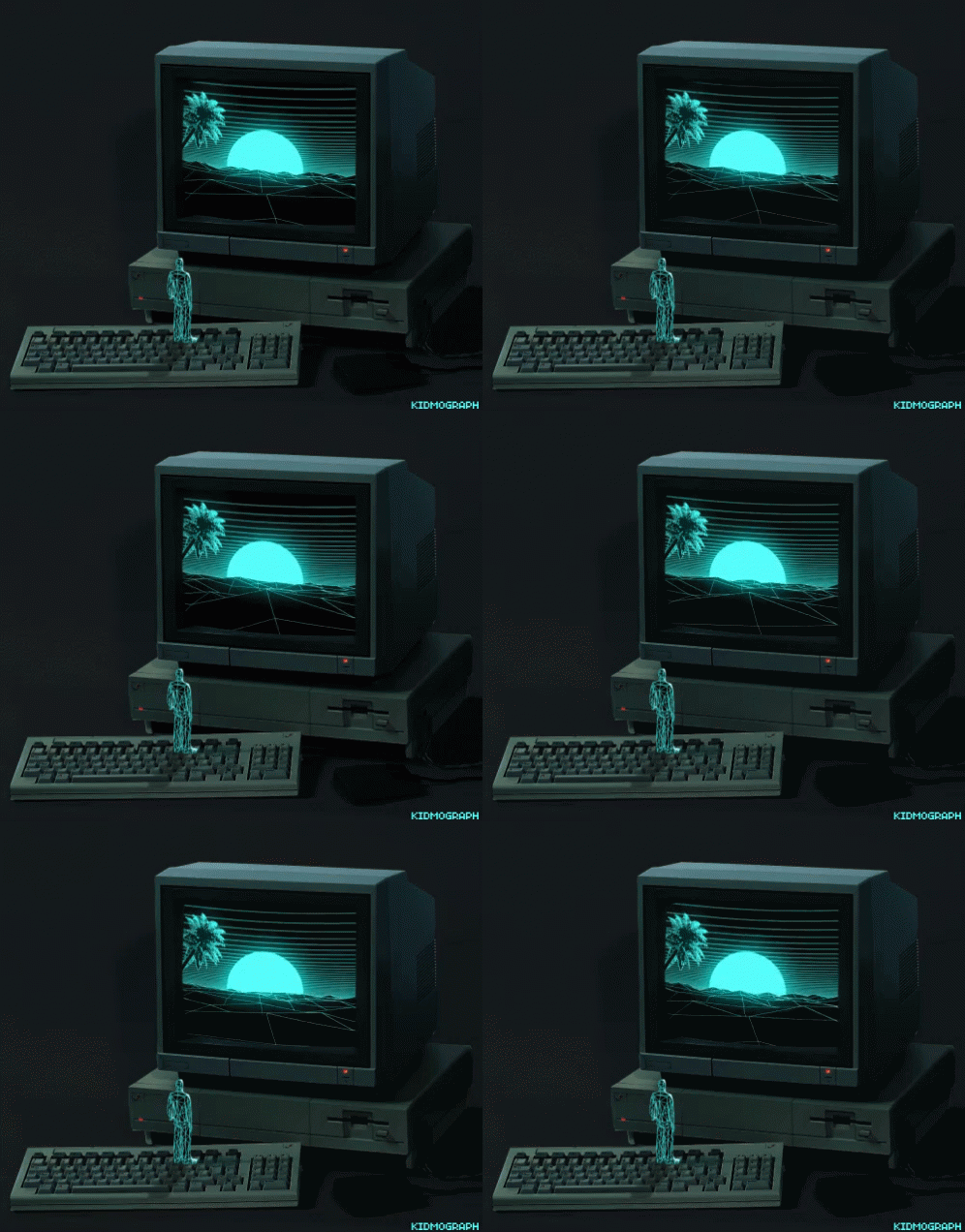
Here is a detailed list of how I create my 3D models just for the record as the process has evolved through my practice. I think this is a useful guide for people trying to find programmes that are user friendly and free (with the exception of some SketchFab features). Originally I used only blender and this was difficult as it was hard to get the hang of, however, I am now much more experienced with the programme as well as other similar programmes some much better than other for beginners, others better for the more experienced trying to make their models more detailed and feature heavy.
1. I use a programme called Sculptris. This is really easy to use sculpting programme that has simple features and can be used on either a computer or drawing tablet. I pair it with my Ugee 2150, a drawing tablet with a screen which makes the whole process enjoyable and allows me to make detailed models and even add polygons with the touch of a pen so that I can save polygons on undetailed areas and add them to more detailed areas, unlike other programmes where it distributes polygons easily. You cannot animate in Sculptris but from here you can export files in a wide variety of formats, making them easy to open in other editors. This means I can utilise their easy sculpting tools and then features in other programmes.
https://pixologic.com/sculptris/


2. After making the model in Sculpris I then move on to adding texture either in Sculpris with a Text Map or, depending on the model, an alternative programme called Substance (Substance Launcher/Painter). Substance painter allows for different surface textures. not just a text map, meaning I can add roughness or shine for example. After this, I then save the model with its texture or text map in a separate file.
https://www.substance3d.com/products/substance-painter/
3. Lastly, I edit my animations in Blender, I find sculpting in Blender to be time-consuming so importing an already finished model with texture and only have to animate is very time-saving and gives me a better result, allowing me to create more artwork.
You can’t link to blender but finding it is very easy.
4. Now that my animation is finished I save it in Blender and upload it to an AR-enabled programme called SketchFab. Which allows me to translate this animation into an AR experience and manage the size and extent of the Virtual Mapping and environment. After that I save it to my library and I have completed a fully animated model.
https://sketchfab.com/enterprise?ref=header

 --BLANKBRAIN--