

Now the important thing I’ve learned about digital art is that many programmes refuse to work together and finding software that is compatible with other software you want to use is difficult. Especially when the software you want to use has only been out for a year. The software I have decided to use to display and store my digital sculptures is Sketchfab. For a small fee you can upload up to 20 a month and it allows you to alter AR settings and create ‘collections’ to show case them. Sketchfab has an online site which is the easiest to use that I have seen. They recently released a sister app of sorts called SkethAugment. An app that gives you greater control over AR settings allowing you to use sound and distance and greater virtual mapping, well worth the small subscription.
I plan to use Sketchfab and Sketchugment for displaying and refining the placement of my digital sculptures, however I will continue to actually sculpt and create them in Sculptris and Blender, uploading them to the Sketchfab archives after they have been textured and refined. This will mean I can link from here directly to them and I won’t need to make videos of them as they will be easily viewable online and already in a curated library of work.
Here is a short example of the AR settings on Sketchfab
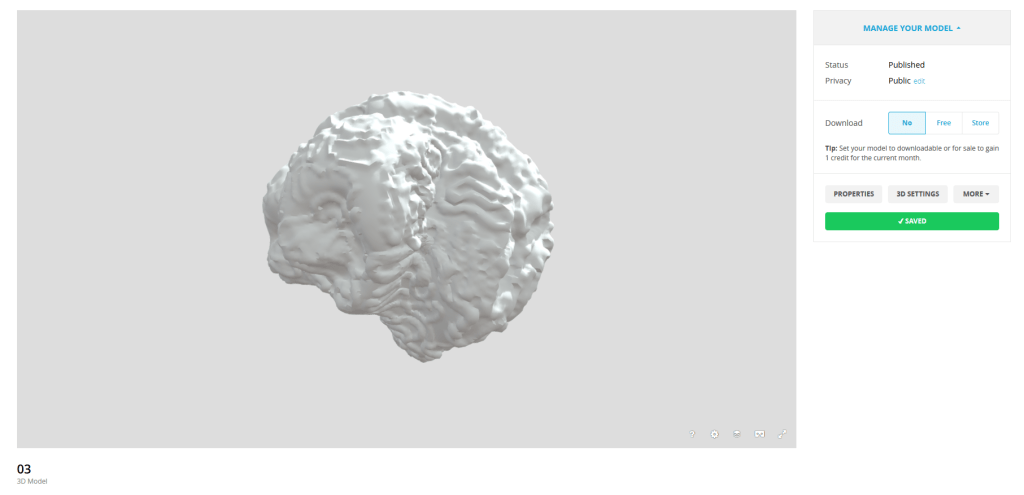
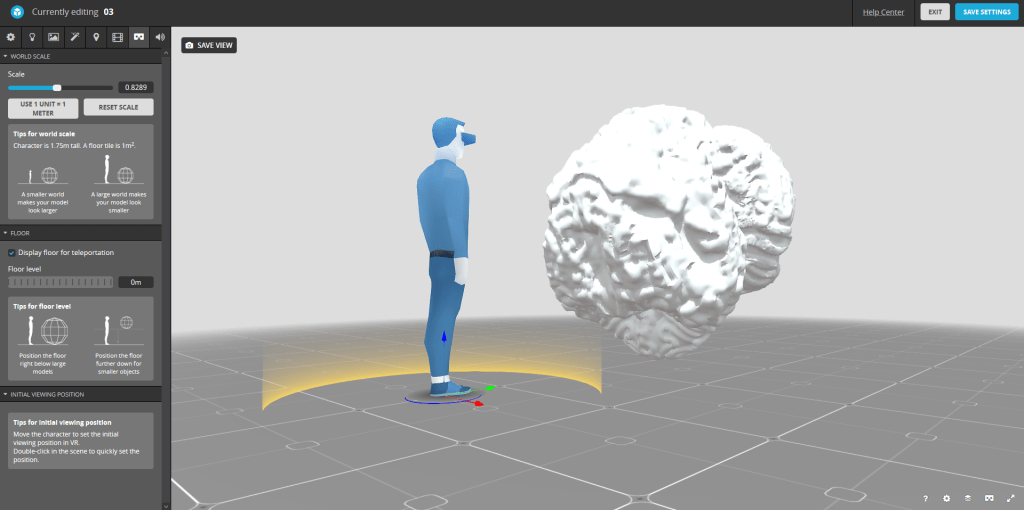
Here is how the settings are laid out. The human represents the person viweing the object and the object itself appears as it will in AR or VR. From here I can change how it will appear on the given digital plane which will map into a real space.
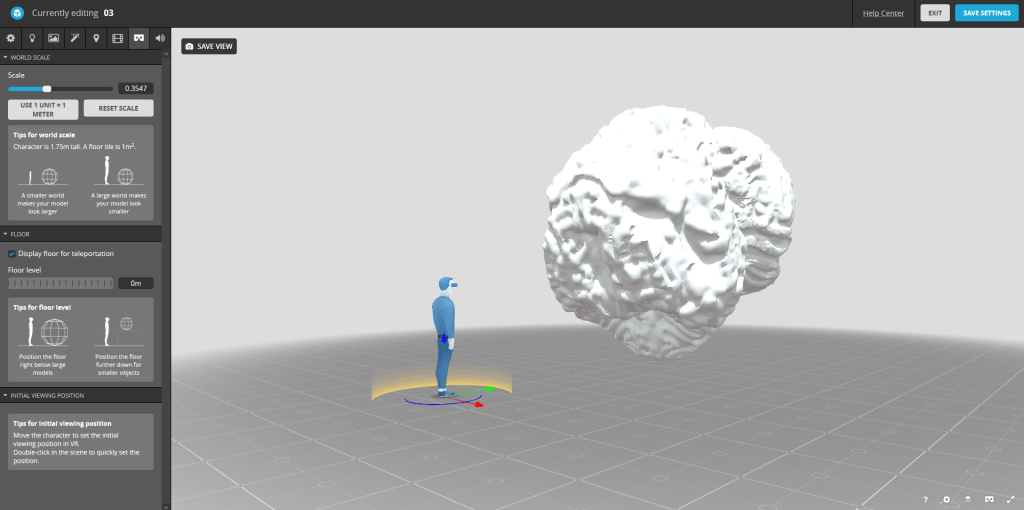
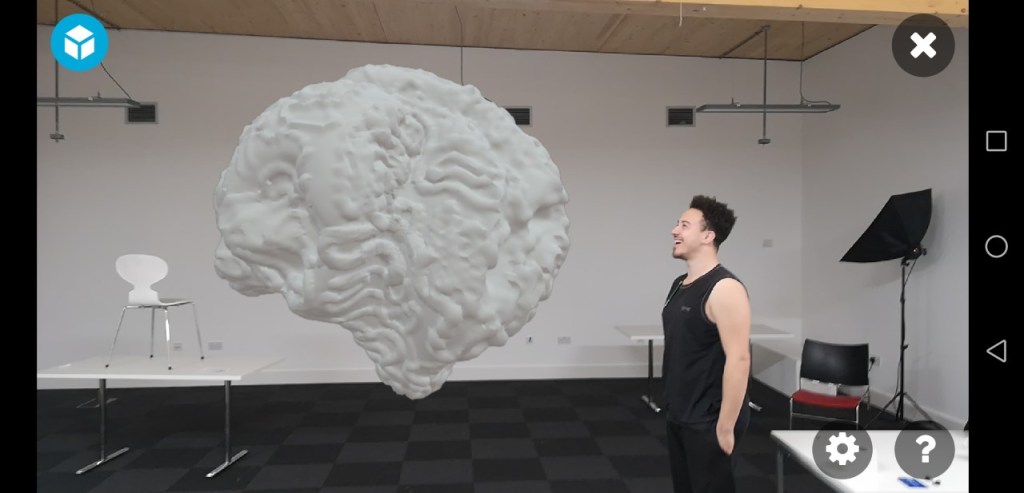
Here I have made it so it will appear larger in VR and further away. Options like this allow to enhance how my work will be seen and how aestheically I want it to be viewed by an audience.
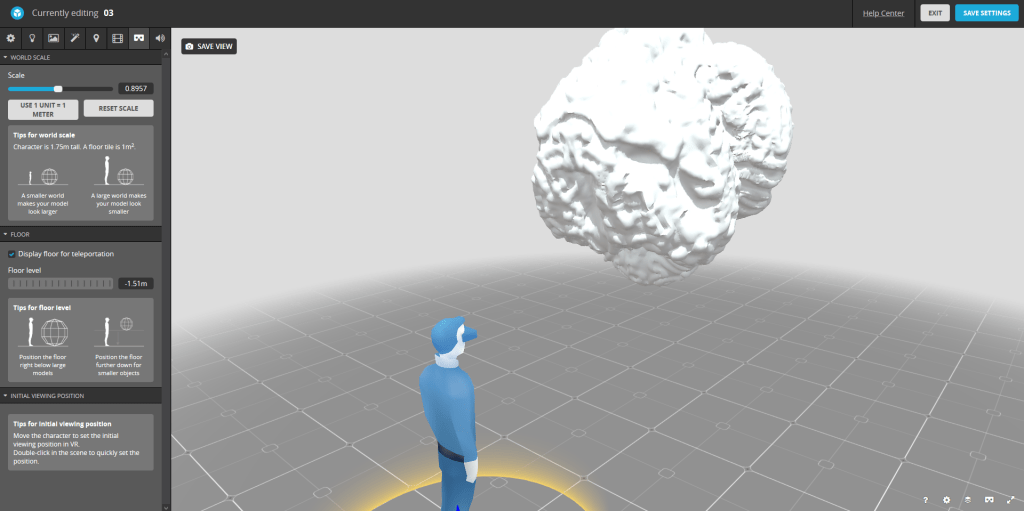
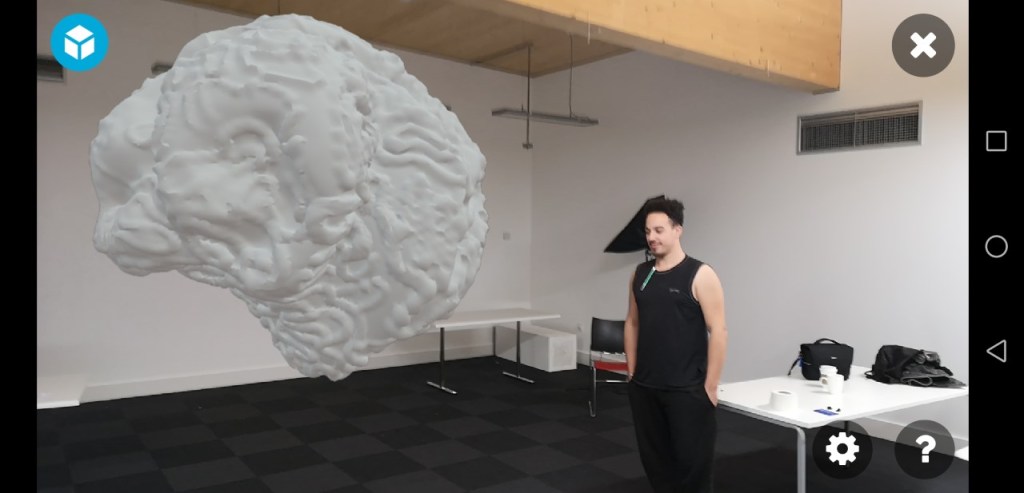
I can bring it cloaser and on the left of the screen you can see that there are option for the floor level, meaning I can raise the object and have it hover above the viewr, again enhacning the visual experience.
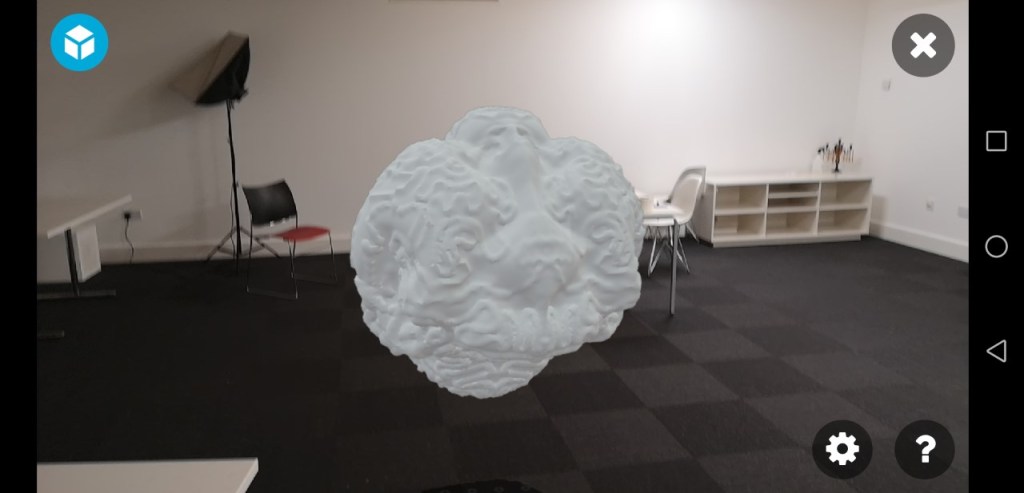
In-App pictures of SketchAugment placement:
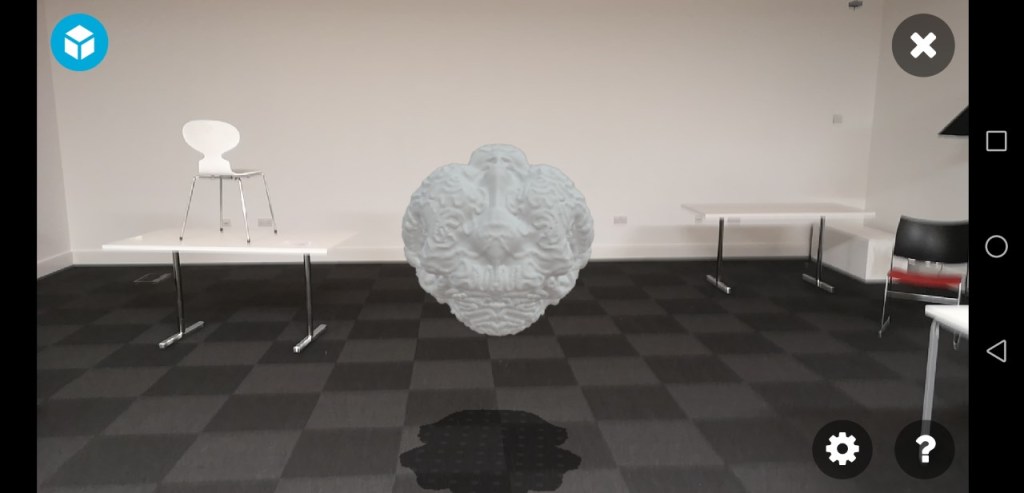
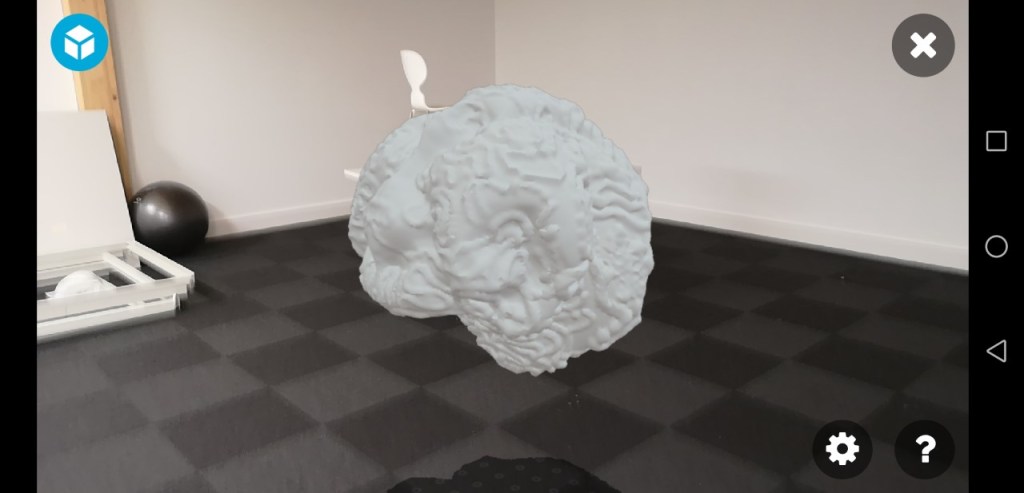
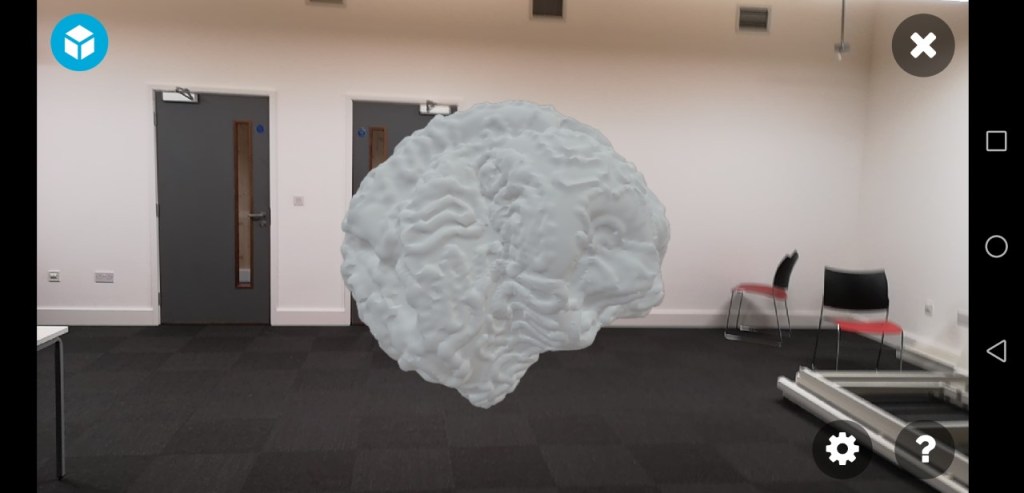

 --BLANKBRAIN--